Web terminal commands
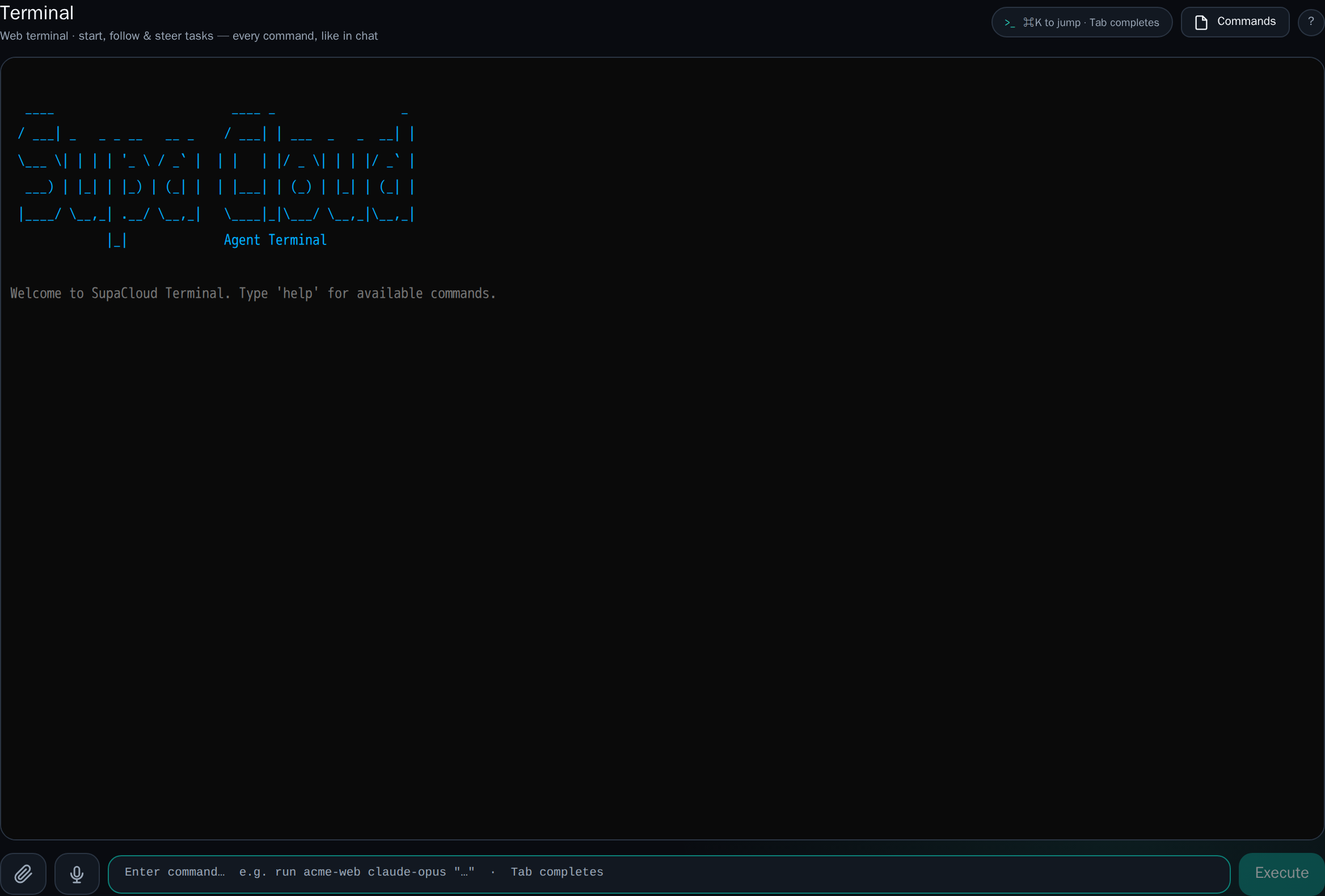
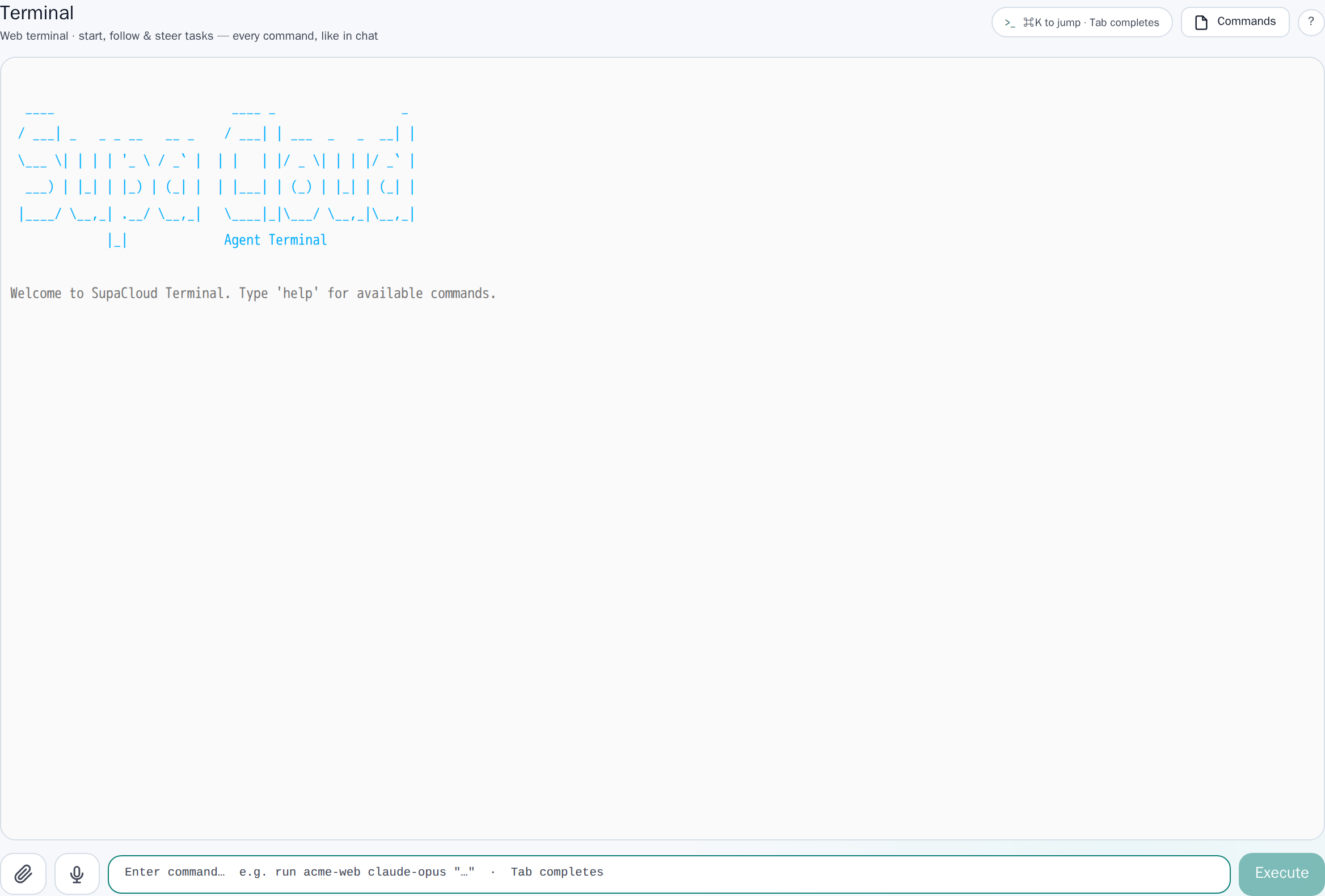
The web terminal at /cli accepts the following commands.
| Command | Description |
|---|---|
status [--all] |
Active tasks (--all includes completed). |
task <id> |
Task details with cost, duration, last activity. |
issues <project> |
List a project’s open issues with copyable ids. |
backlog <project> [status|scan [--apply]] |
Show a project’s backlog; scan proposes items and --apply dispatches them (ADR 0039). Each item shows its 8-character short id. |
backlog requeue|block|release <item> |
Move one backlog item: requeue puts it back into Queued (the answer to a needs_info item), block moves it to Blocked, release moves it to Done through the merge gate, as the board’s release does. <item> is the item id or a unique prefix of it (the short id the backlog read shows), looked up across every project board of the workspace. |
backlog move <item> <queued|in_progress|needs_info|blocked|done> |
Move one backlog item to any board column; in_progress dispatches it now. Every move goes through the same board update a drag on the Kanban uses, so the server’s transition rules, merge gate and permissions decide. The chat twin is /backlog on Telegram and Discord, the MCP twin backlog.transition. |
run <project> <agent> [--issue <id>] [--model <id>] [--exec-mode <normal|workflow>] [--effort <level>] <prompt> |
Launch a task and enter live mode. --exec-mode sets the execution mode (the word mode is reserved for the harness build|plan mode command); --effort (minimal|low|medium|high|max) is a per-task override (ADR 0045). |
follow <id> / f <id> |
Enter live mode for a running task. |
logs <id> [--follow] |
Show the last events, optionally stream live. Takes a task id or — new — a run id from runs (short ids work for both): a workflow run’s log is its recorded step timeline, each step named by its display title. Run ids resolve against the recent runs runs lists. |
intervene <id> <msg> |
Send a message to a running task. |
cancel <id> |
Cancel a task. |
approvals |
List EVERY pending human decision gate in one inbox — the interactive tool/question/visual/model-class gates and the workflow human-gates together (ADR 0045; #1197). There is no filter argument: tool, workflow and all were retired and are now refused by name, not silently ignored. The older --filter=<word> spelling is gone with them. Decide with approve/reject <run-id> (workflow gates) or approve-tool/reject-tool <id> [note] (interactive tool/question/visual/model-class gates). |
workflows |
List all workflows across projects. |
workflow <name|id> |
Workflow details. Accepts the workflow’s exact name, its id, or the short id workflows prints (a unique prefix resolves; a tie lists nothing rather than guessing). |
workflow <name|id> trigger |
Manually start a run of the workflow. The older workflow trigger <id> form still works. |
runs [--status=X] |
List recent runs. |
runners |
List runners with status. |
resources |
List resources (SMTP, Telegram, Webhook). |
repo-sync status|push|pull |
Repo sync operations. |
workspace / ws |
Show the active workspace. |
workspace switch <name> |
Switch workspace. |
workspace config autonomy-level [<0-100> [confirm]] |
Show the resolved workspace autonomy (level, plan ceiling, onboarding cap, policy) or set the stored level. Setting is admin/owner-gated server-side (ADR 0045). A move to 100 stores nothing at first and asks you to repeat the command with confirm (workspace config autonomy-level 100 confirm). |
workspace config approval-mode <project> [<none|pr_draft>] |
Show or set a project’s PR-review approval mode. Setting is admin/owner-gated server-side. human_gate is retired for this command and is refused by name — a merge-side gate now lives on the automation’s per-stage gate flags. |
workspaces |
List all workspaces. |
usage |
Show the per-provider subscription-saturation windows for the active workspace (admin/owner-gated). |
budget |
Show the $-budget status (cap, month spend, remaining, alerts). |
skills proposals [approve|reject <id>] |
List induced-skill proposals, or decide one by its id prefix. Deciding is workspace-admin only server-side (ADR 0045). |
schedules |
List schedules. |
schedule add|pause|resume|delete |
Manage schedules. |
projects |
List projects. |
debug on|off |
Toggle debug mode for your current live/follow session to reveal internal operations in the feed (#583). Available only while a workspace admin has opened the debug ceiling. |
notify <project> <all|failures_only|none> / mute |
Set how many task messages a project sends you in chat: every message, failures only, or none. Writes the same per-project setting as Settings → Chat accounts; questions and approvals are never muted. See Choose which chat messages you get. |
digest <project> |
Show the project’s loop digest now: what merged, what is waiting and why, questions open for over a day, rework and spend. See the loop digest. |
density reduced|chatty |
Set the persistent live-feed verbosity (reduced = lean, chatty = full thinking and tool detail). |
language de|en |
Set the language. |
clear |
Clear the terminal. |
help |
List the available commands. |
Ids on the terminal
Section titled “Ids on the terminal”Every id the terminal prints is a link — the full UUID on a detail line and the
8-character short id a listing shows. Click an id to copy the full id to the
clipboard (the terminal confirms with Copied …); Ctrl/Cmd-click to open
the task, run or workflow it names. A short id is resolved against your tasks,
runs and workflows; when more than one item starts with it the terminal says so
rather than guessing. Commands that take an id (task, logs, follow,
cancel, intervene, …) accept the same short id you see in a listing.
Live mode
Section titled “Live mode”After run or follow, the terminal enters live mode: press
Enter to send input as an intervention (no command prefix needed),
and Ctrl+C to exit.
Debug mode
Section titled “Debug mode”debug on turns on debug mode for your current live/follow session only,
revealing internal operations in the feed — MCP tool calls, scope resolution,
gate auto-resolves and danger escalations. debug off turns it back off.
Debug output is gated by an allow-debug ceiling that a workspace admin opens
(it is off by default). With the ceiling closed, debug on has no effect. The
setting is per session and ephemeral: it covers only the session you are in,
is never persisted, and is enforced server-side. Start a new live/follow session
and you start with debug off again.
Full command catalog
Section titled “Full command catalog”Every command word this surface accepts, generated from the command catalog (docs/commands/catalog.json). The sections above explain the commands in depth.
| Command | Aliases | Description |
|---|---|---|
approval_mode <project> <mode> |
- | Show or set a project’s approval mode |
approvals |
- | List the approvals waiting on you |
ask <to> <question> |
- | Ask a non-blocking question (answered on the next turn) |
autonomy <level> <confirm> |
- | Show or set the autonomy level |
backlog <project> |
- | Show the backlog, move an item or answer one that needs info |
budget |
- | Show the workspace budget |
cancel <task_id> |
- | Cancel a task |
debug <state> |
- | Toggle debug mode for the live session: /debug on|off |
density <level> |
- | Set live-feed verbosity: /density reduced|chatty |
digest <project> |
- | Show a project’s loop digest: /digest <project> |
effort <task_id> <effort> |
- | Set a task’s reasoning effort (applied on restart) |
follow <task_id> |
f |
Enter live mode for a task |
governor <action> |
- | Review agent-profile version proposals |
help |
- | Show the command list |
inbox <mailbox_key> <after> |
- | List a mailbox’s messages |
interrupt <task_id> |
- | Stop the current turn of a running task |
intervene <task_id> <message> |
- | Send a message to a task |
issues <project> |
- | Issue-to-task wizard |
language <lang> |
lang |
Set the language |
logs <task_id> <steps> |
- | Show recent task or run events |
media <action> |
- | Generative media jobs |
memory_review <action> |
- | Review pending memory-governance items |
mode <task_id> <mode> |
- | Set a task’s harness mode (build or plan) |
model <task_id> <model> |
- | Set a task’s model (applied on restart) |
msg <to> <text> |
- | Send a durable mailbox message to a task or run |
notify <project> <mode> <platform> |
mute |
Set a project’s task messages: /notify <project> all|failures_only|none |
org |
- | Show the active organization |
projects |
- | List projects |
rerun <task_id> |
- | Re-run a finished task with its original settings |
rerun_step <run_id> <node_key> |
- | Re-run one failed step of a workflow run |
resources |
- | List resources |
restart <task_id> |
- | Re-run a failed or cancelled task |
run <project> <agent> <prompt> <model> <effort> <mode> <subagents> <profile> <closeout> |
- | Launch a task |
runners <view> |
- | Show runner status |
runs |
- | Show recent runs |
schedule <action> <rest> |
- | Manage schedules |
skills <action> |
- | Review induced-skill proposals |
status |
- | Show active tasks |
subagents <task_id> <subagents> |
- | Turn subagents on or off for a task |
task <task_id> |
- | Show task details |
topics <state> |
- | List or toggle per-task forum topics |
unfollow |
- | Exit live mode |
usage <action> |
- | Show the workspace usage windows |
workflow <workflow> <action> <steps> |
- | Show one workflow, or start a run of it |
workflows |
- | List workflows |
workspace <name> |
ws |
Show or switch the active workspace |
workspaces |
- | List workspaces |